Open a Web browser.
Enter the URL in the address field and press Enter.
The FaciliWorks Log In screen will appear.
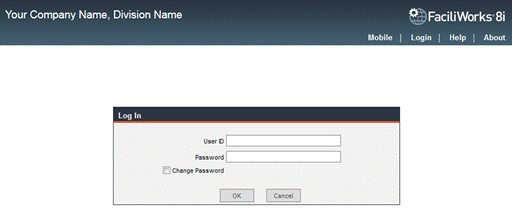
Enter your User ID and Password and click the OK button.
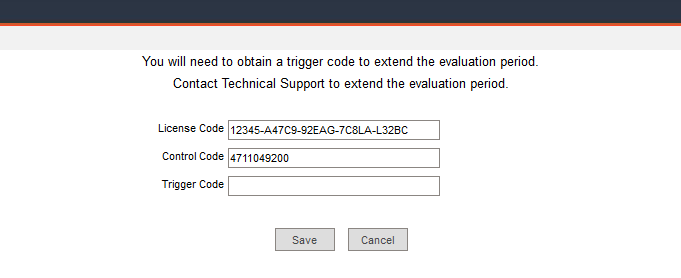
If a Trigger Code was not supplied prior to the first launch of FaciliWorks, you will receive a message about program expiration. If you have purchased the software and have a Trigger Code, navigate to Utilities -> Modify License, enter the code and click Save.
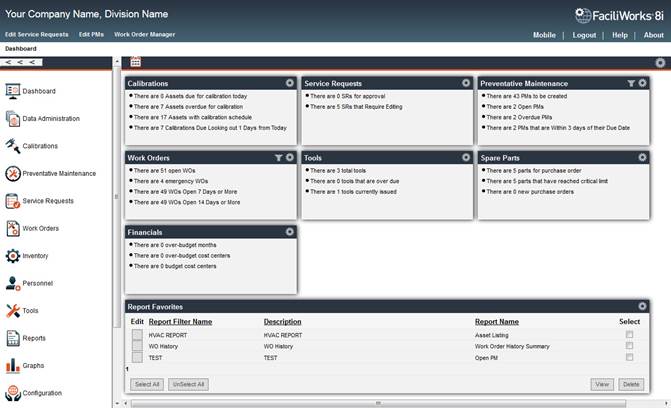
Upon successful login, FaciliWorks opens to the Dashboard.